

Storage 기능
Seahorse 의 Storage 는 pdf, word, 이미지 등 다양한 형식의 파일들을 업로드 할 수 있으며, AI 가 검색 할 수 있도록 자동으로 벡터 데이터베이스의 Table 로 임베딩합니다.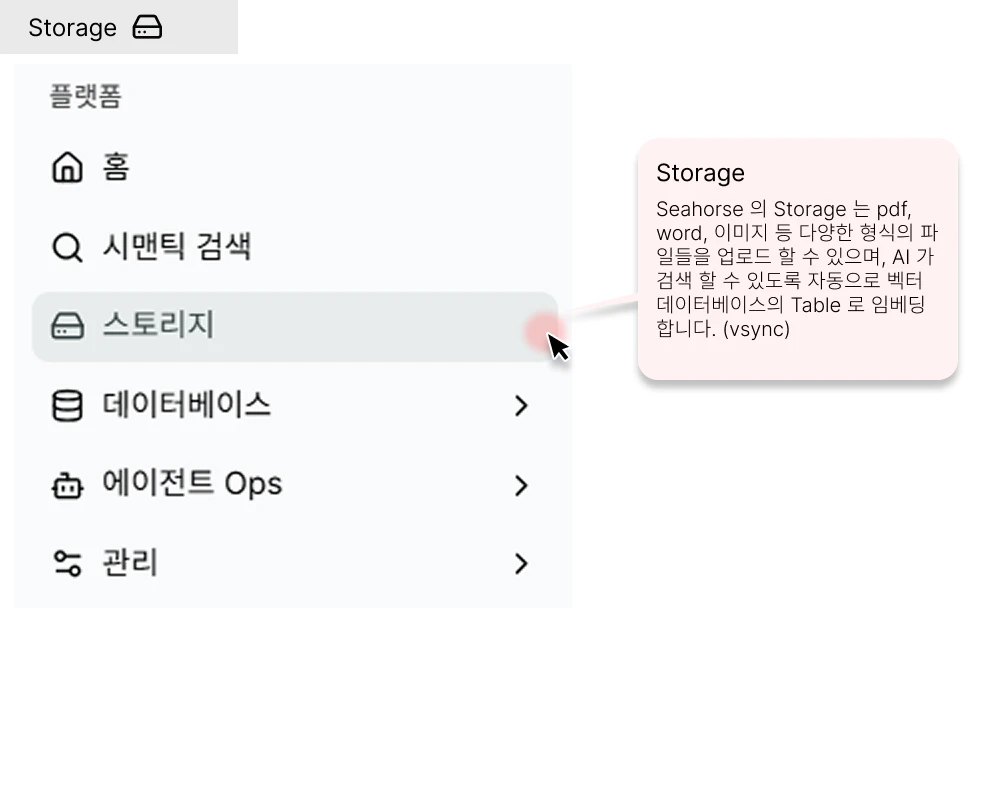
처음 진입 시 (Empty State)
등록된 Storage 가 없으면 목록 대신 온보딩 가이드 가 표시됩니다.
하단 버튼: Create Storage → Storage 생성 · Run Quick Start → 퀵스타트 투어
Storage 생성
Storage 생성 — Basic Info (이름), Inference Endpoints (Dense/Sparse/Dimension), Table Settings (HNSW 인덱스 파라미터)
Storage 삭제
Storage 공간(컨테이너) 자체를 영구 삭제하는 다이얼로그 — 내부 파일 삭제와는 다른 작업
Storage 상세 & 파일 업로드
Storage 상세 — 문서 파이프라인, 파일 목록, Table Connections / Support Extension 팝업, 파일 업로드
Storage 목록
Storage 목록 — 이름·연결 Table·API URL·Endpoint·생성일을 한눈에 조회하고 상세로 이동